Ethne Mobile Bible Application
How to share content with others without Wi-Fi or mobile data.
Share Scripture, step by step
Before you begin: install the app and download the content you want to share while you have an internet connection. Then follow the guide below to share offline.
Install the app
The person sharing must have the Ethne app installed on their phone. Use the download link above to get started.

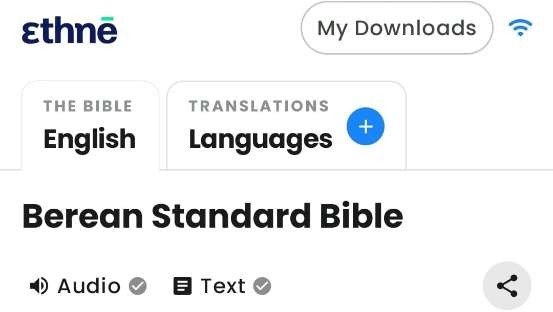
Choose your language
Choose a language to display and download. The supplied guide notes that only the Berean translation is available in the selection shown.
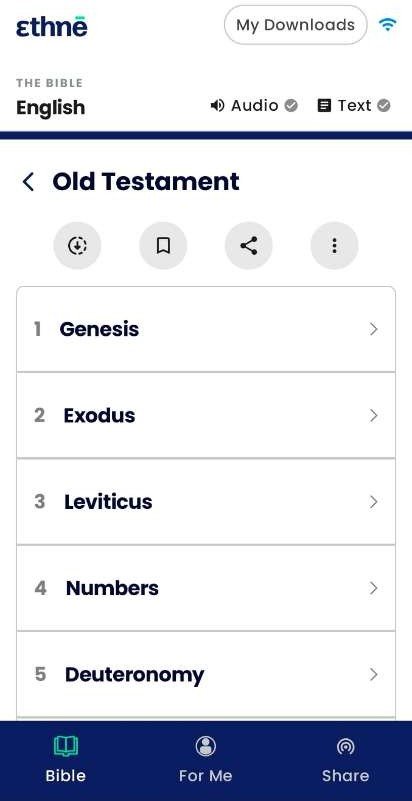
Download Bible content
Before sharing, download content to your phone. Choose the Old Testament, New Testament or individual books.
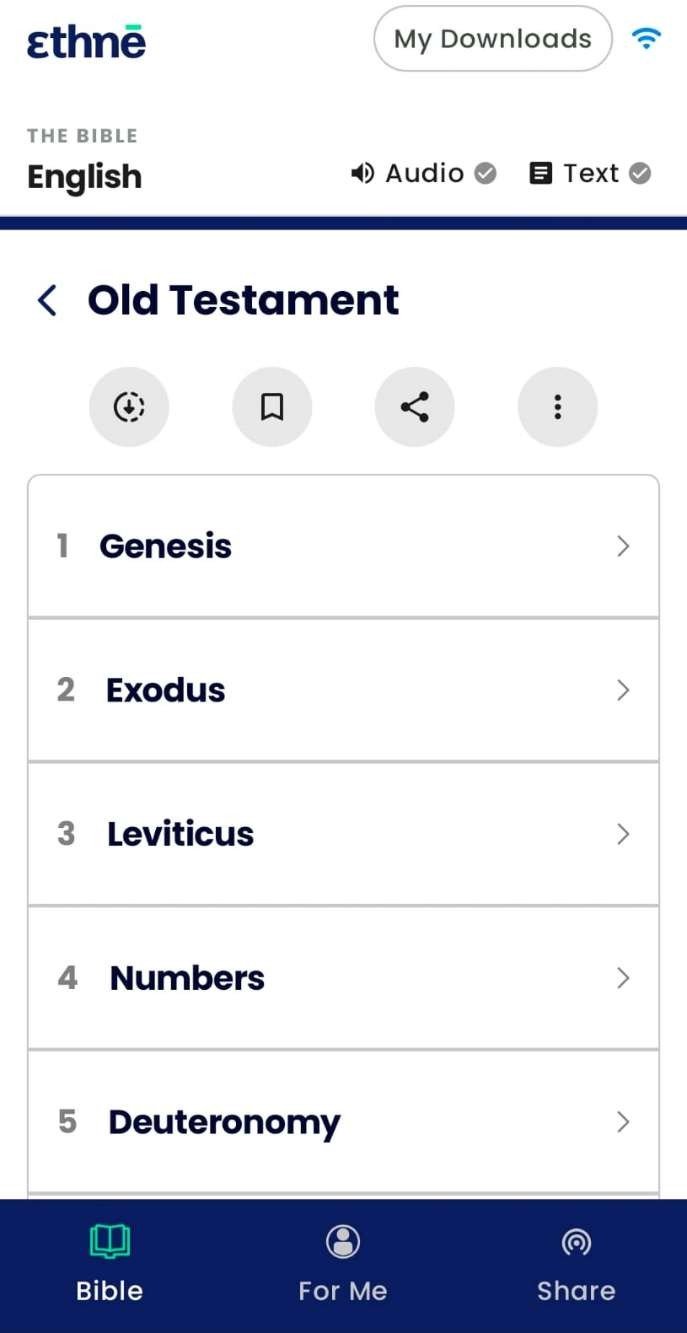
Open Share
To share content with others, tap “Share” in the app.
Share the app
Tap “Share the app” to share the application with others.
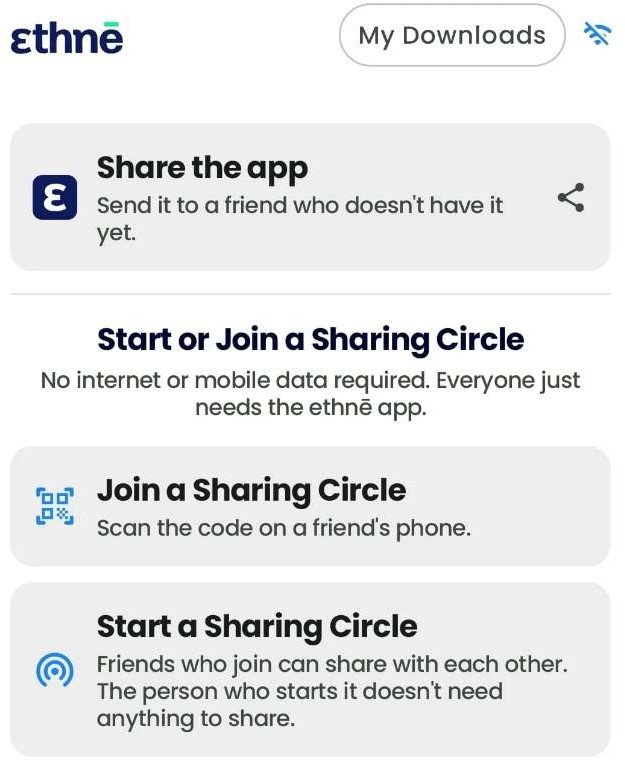
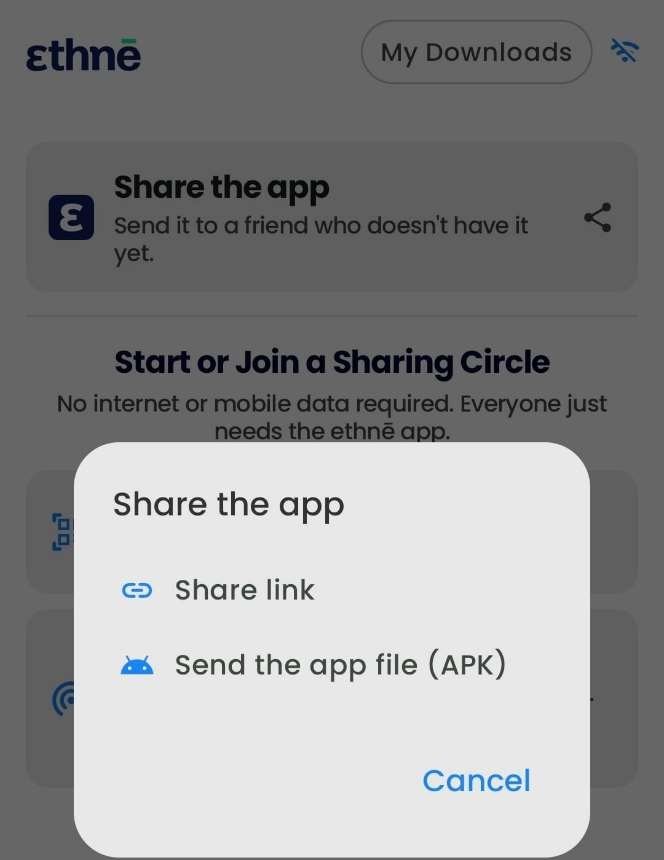
Choose the APK option
For the Android app-sharing method shown in the guide, choose “APK”. Once installed on recipients’ devices, they should open the app and go to “Share”.
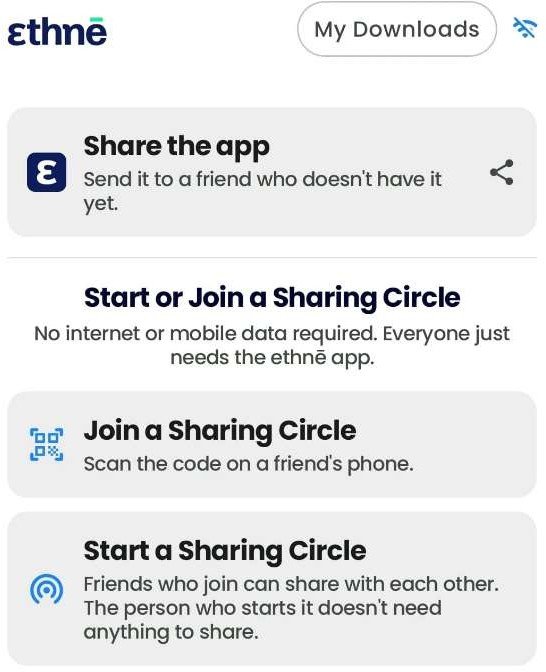
Start or join a Sharing Circle
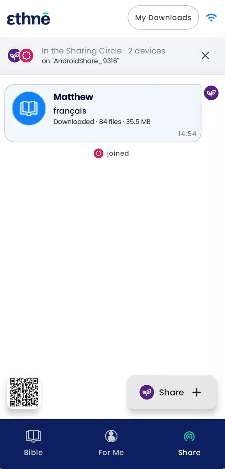
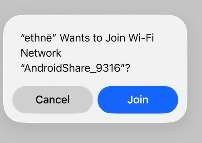
Host: start a Sharing Circle to share content. Recipients: join the Sharing Circle by scanning the host’s barcode.
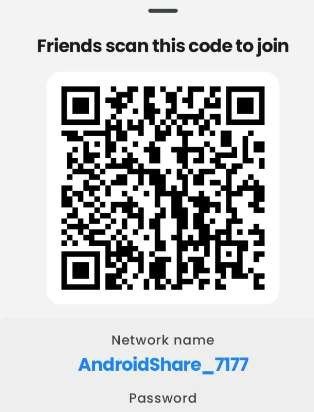
Accept the request
The host accepts the recipient’s request to join the Sharing Circle.
Share downloaded content
The host starts sharing content from the Downloaded menu.